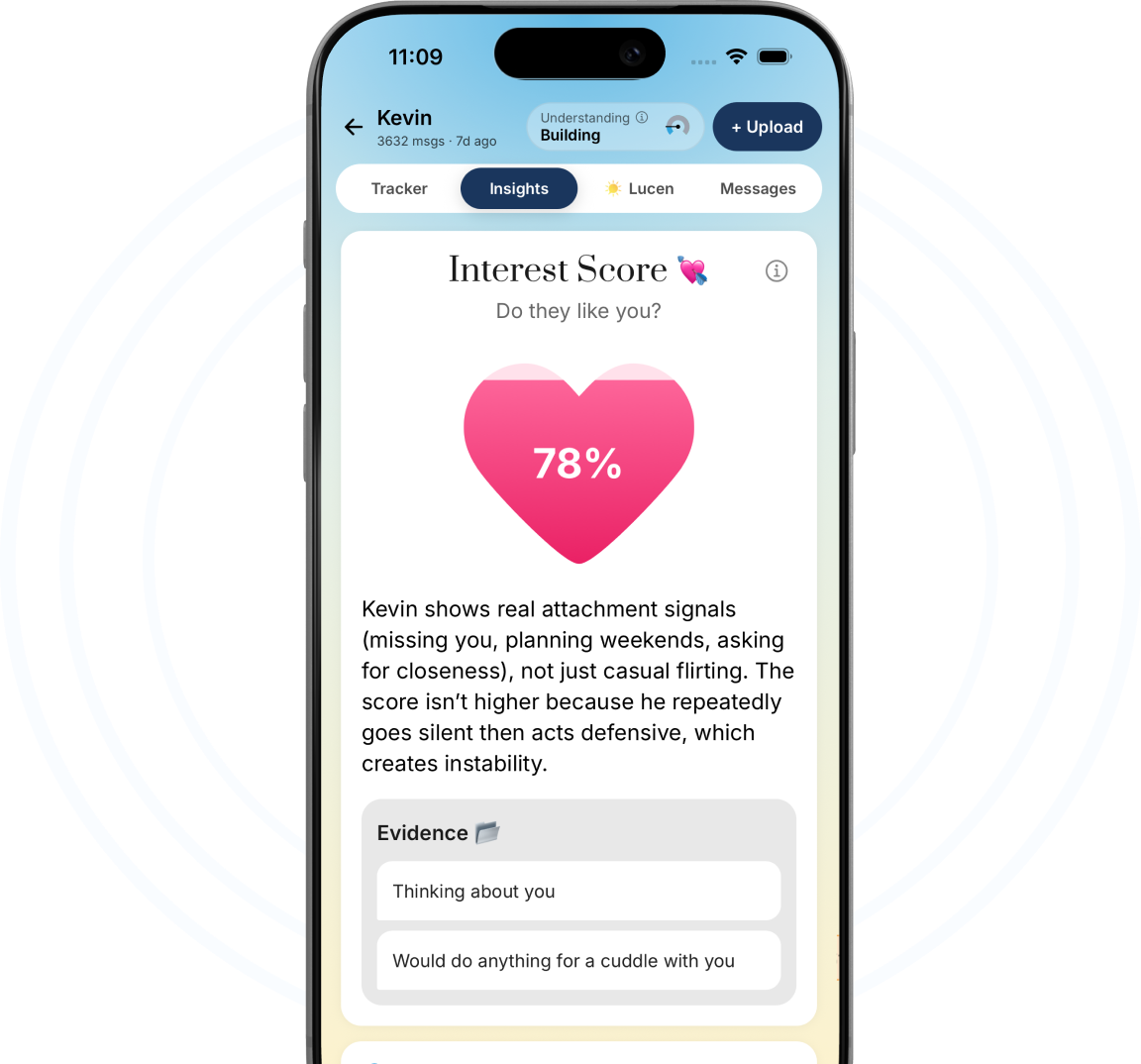
Analyze iMessage Conversations for Mixed Signals, Red Flags & Real Interest
Know the intent behind every iMessage conversation with Lucen’s private AI chat analyzer in seconds. In just 30 seconds, our AI-powered iMessage text analyzer decodes the subtext of your thread, exposing hidden red flags, identifying hot-and-cold behavior, and calculating a definitive interest score based on real data.
How to Use Our iMessage Chat Analyzer?
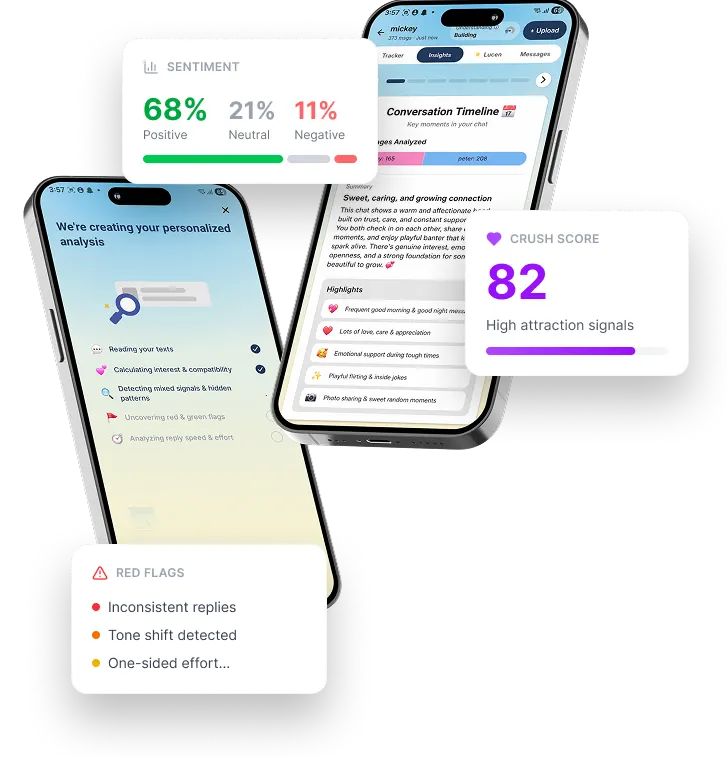
To begin your iMessage text analysis with Lucen, simply capture your iMessage conversation using screenshots or a screen recording, then upload it to our AI chat analyzer. Lucen processes your iMessage text, detects mixed signals, red flags, and emotional patterns, and presents a structured, actionable report within seconds.
No need for the complex technical setup. Just upload the chat and let our AI iMessage text analyzer do the work for you.
Open the Messages app on your iPhone
Start by navigating to the specific iMessage or SMS conversation you want to analyze. Ensure you are at the point in history when the signals first started to feel mixed, and you want Lucen to inspect, interpret, and summarize.
Take screenshots of the full thread (top to bottom)
Alternatively, record your screen while scrolling through the chat
Open Lucen and tap Start Analysis
Name of the other person
Select iMessage/SMS as Platform
Select your screenshots or screen recording
Our Powerful Features for Deep iMessage Analysis
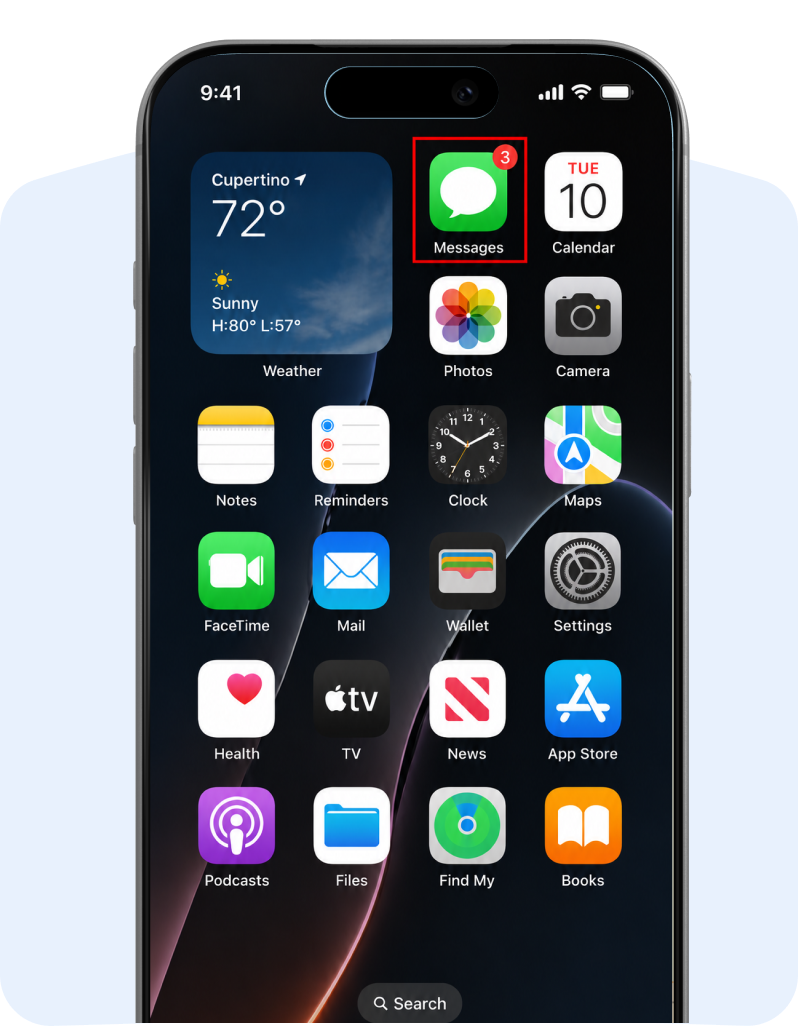
Lucen brings together AI-powered iMessage text analysis features to decode your iMessage conversations in seconds. Each feature transforms raw text messages, blue bubble interactions, and response patterns into a structured, data-backed understanding of relationship dynamics. With unlimited AI chat analysis and privacy-first processing, every insight helps you detect mixed signals, red flags, and real interest with clarity.
How Our Advanced Analysis Methods Work
Lucen goes beyond basic keyword matching by using a multi-layered AI system to analyze your iMessage conversations in depth. By combining natural language processing, behavioral signals, and communication patterns, our iMessage chat analyzer turns your text messages into clear, actionable insights, so you can understand exactly what is happening in your conversation.
Sentiment Analysis
Applies AI to classify each iMessage message as positive, neutral, or negative, tracking emotional tone and shifts across the conversation.
Communication Pattern Recognition
Uses AI to analyze iMessage chat frequency, response timing, and initiation patterns to detect changes in engagement behavior.
Predictive Analysis
Uses historical iMessage conversation trends to forecast future interaction patterns and potential shifts in engagement.
Relationship Dynamics Analysis
Evaluates reciprocity, response behavior, and emotional exchange in iMessage chats to reveal balanced communication or one-sided effort.
Personality Profiling
Identifies communication styles and behavioral traits in iMessage conversations based on tone, expression, and response patterns.
Understand Your iMessage Conversations Like Never Before
iMessage Analysis
Delivered
Who Can Use This iMessage Analyzer?
From couples in relationships to individuals navigating uncertain conversations, Lucen’s iMessage chat analyzer is designed for anyone who wants to analyze iMessage conversations, detect intent, and gain clarity from text messages without relying on guesswork.
Couples in Relationships
Analyze iMessage conversations to identify communication gaps, measure reciprocity, and evaluate shared tone and response patterns across daily interactions.
Friends
Review iMessage chats to provide an objective analysis of tone, message intent, and interaction patterns, helping offer grounded advice based on actual conversation data.
Post-Breakup Individuals
Review past message history to identify exactly where patterns changed, helping you process the why and gain much-needed closure.
People Dating / New Relationships
Assess interest level, response time, and engagement consistency to determine whether communication reflects mutual effort or one-sided interaction.
People in Situationships
Evaluate mixed signals, unclear replies, and fluctuating engagement to better understand the dynamics of uncertain relationships.
Anyone Trying to Detect Red Flags Early
Identify inconsistent communication, delayed replies, and sudden tone changes in iMessage conversations before patterns become prolonged.
People Who Feel "Breadcrumbed"
Analyze message frequency and engagement patterns to confirm low-effort communication and irregular attention.
Those Tracking Hot & Cold Behavior
Track cycles of high engagement and withdrawal within iMessage chats to understand shifting interest levels.
Those Unsure If They're Being Ghosted
Evaluate response gaps, declining message frequency, and delayed replies to detect signs of ghosting or fading communication.
What Your iMessage Analysis Report Looks Like
After you upload your iMessage conversation, Lucen transforms your chat into a structured visual report that clearly maps your relationship dynamics. This report removes confusion by combining AI-powered message analysis, sentiment detection, and behavioral mapping into one clear view of your interaction.
Conversation Overview
Summarizes key iMessage chat metrics using AI analysis, including total messages, participation balance, and overall interaction flow.
Emotional & Sentiment Breakdown
Uses AI-powered iMessage text analysis to track emotional tone, highlighting positive, neutral, and negative sentiment trends over time.
Engagement & Effort Analysis
Leverages AI chat analyzer to evaluate iMessage text response time, message length, and initiation patterns to reveal consistency and balance.
Actionable Next Steps
Delivers AI-driven recommendations based on iMessage text analysis to guide how you respond or adjust your approach.
What Lucen Helps You Understand in iMessage
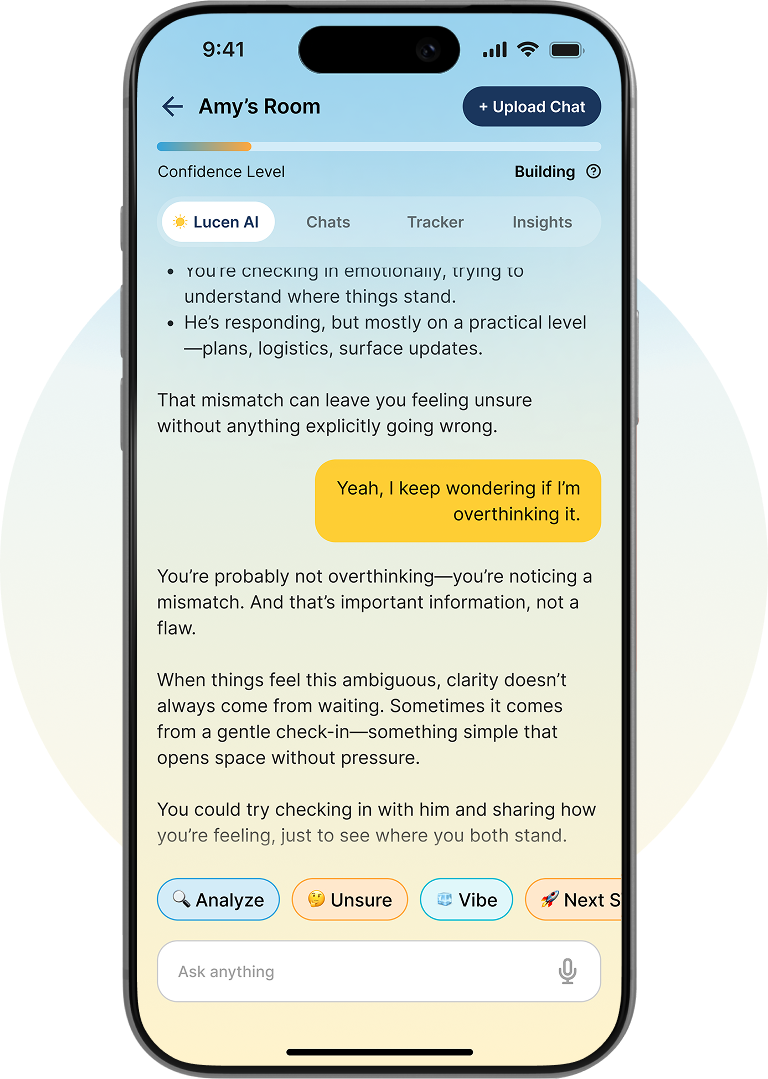
With Lucen, you can clearly interpret iMessage conversations by analyzing message intent, tone, and interaction patterns. Our AI chat analyzer translates text messages, Tapback reactions, read receipts, and behavioral signals into meaningful insights, helping you understand interest level, communication style, and relationship direction with actionable clarity.
Genuine Interest vs. Passive Replies
Analyzes iMessage response depth, message effort, and engagement consistency to distinguish genuine interest from passive replies, while providing actionable reply guidance.
Tapback & Emoji Tone Shifts
Decodes Tapback reactions and emoji usage in iMessage chats to detect subtle shifts in emotional tone and engagement.
Edited and Unsent Message Behavior
Tracks edited and unsent iMessage actions to identify hesitation, uncertainty, and shifts in communication intent.
Read Receipt & Delivered Etiquette
Evaluates read receipts and response timing patterns in iMessage conversations to reveal consistency, attention level, and engagement priority.
Understand Your iMessage Conversations Like Never Before
Why Choose Lucen for iMessage Text Analysis?
Choose Lucen to analyze your iMessage conversations with instant processing, unlimited AI analysis, and clear insights that remove guesswork. It goes beyond basic message reading by delivering an interest score, a compatibility score, and behavioral insights that add structure to your text messages. With no technical workflow required, you can upload screenshots or screen recordings directly in Lucen's AI chat analyzer and receive clean, easy-to-understand reports that help you interpret message patterns, intent, and relationship direction with clarity across iPhone and Android devices.
Real Insights from Real Users
Your Privacy is Our Top Priority
Lucen ensures your iMessage conversations remain private, secure, and fully under your control at every step of the analysis process.
Each upload is sandboxed and processed in isolation
Every iMessage conversation you upload is analyzed in a secure, isolated environment, ensuring no overlap with other users or systems.
Your chat data is never used to train any AI model
Lucen does not use your text messages, screenshots, or conversation data for training any AI systems or external datasets.
Files are automatically purged after processing
Once your iMessage analysis report is generated, all uploaded files are permanently deleted, leaving no stored data behind.
Frequently Asked Questions
Ready to Analyze Your
iMessage Conversations?
Stop guessing what your iMessage conversation means and start getting clear, data-backed answers in seconds with Lucen’s iMessage chat analyzer. Upload your screenshots, analyze your text messages, and understand interest, tone, and relationship direction.